Upload a reference. Describe what stays and what changes. Explore a new version with image to image AI.
01 / Interior
Same space. Another time of day.
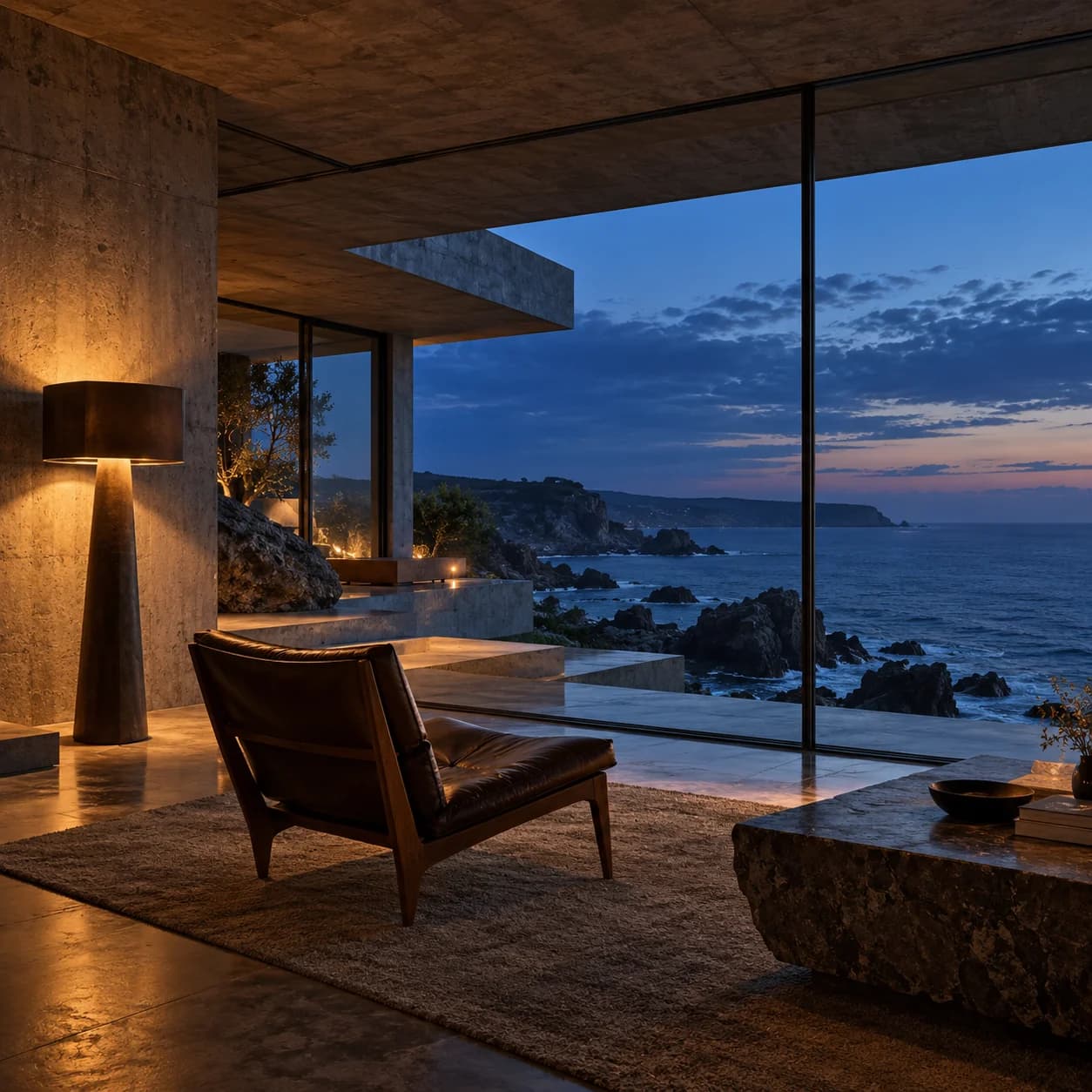
Reference
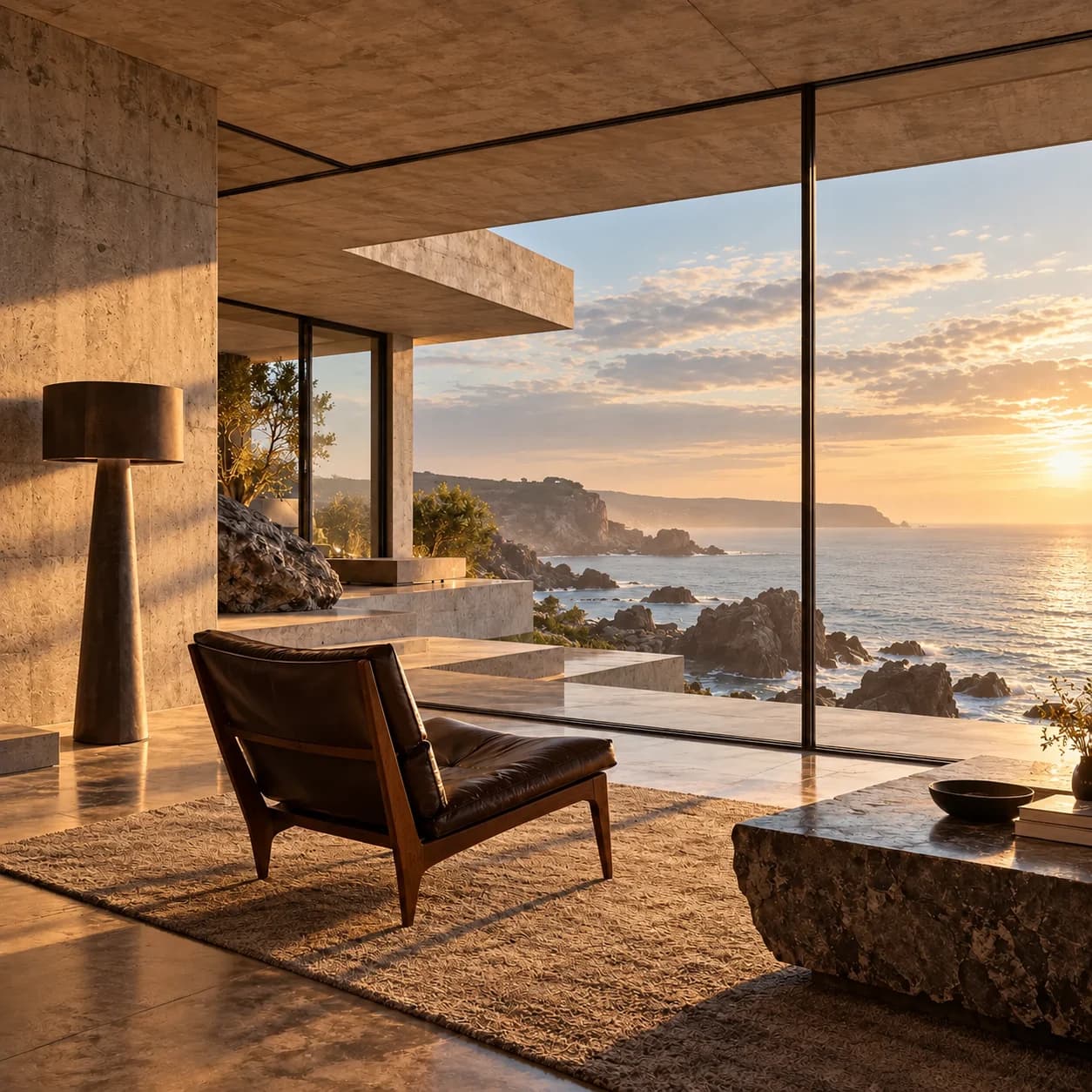
Variation
Keep
Room layout, glazing, furniture, and viewpoint
Change
Blue hour → golden morning
See the image to image prompt +
Keep the room geometry, windows, furniture positions, coastline, and camera viewpoint. Change only the atmosphere to a soft golden morning, with sunlight through the existing glass and the lamp switched off.
Illustrative reference/variation pairs created with an external image tool, not RasterBloom output benchmarks. Compare each result with its source; generated details can change.
Use the subject placement, room layout, or silhouette as the anchor while you explore a new treatment.
02 / A deliberate direction
Describe the visual language
Name medium, materials, lighting, contrast, and palette. Concrete descriptions give you something to evaluate.
A practical workflow
Start clear. Keep the useful versions.
Give each attempt one purpose, then review the result against the brief before moving on.
01
Choose a strong source
Pick a composition that already works and that you are authorized to transform.
02
Name the treatment
Describe the new medium or atmosphere without asking to redesign everything.
03
Compare the direction
Judge whether the style changed as intended while the important composition survived.
Put it into words
A brief you can actually evaluate.
Adapt the subject, details, and requested change to your own source. Review the image instead of assuming the prompt was followed exactly.
Prompt starting pointEDITABLE / 001
Keep the coastal room layout, glazing, furniture positions, and viewpoint. Restyle the materials with dark walnut, textured charcoal stone, and quiet warm lamplight. Retain the blue-hour coastline.

 Reference
 Variation