Upload a reference. Describe what stays and what changes. Explore a new version with image to image AI.
01 / Scene lighting
Keep the world. Shift the mood.
Reference
Variation
Keep
Explorer, ridge silhouette, and planet placement
Change
Amber sunset → cool blue hour
See the image to image prompt +
Keep the explorer, ridge silhouette, planet placement, and wide viewpoint. Change the lighting to cool blue hour with a restrained warm glow along the horizon. Do not add new subjects.
Illustrative reference/variation pairs created with an external image tool, not RasterBloom output benchmarks. Compare each result with its source; generated details can change.
Use the same parent image for each alternative. Change the visual question, rather than inheriting another branch’s mistakes.
02 / A deliberate direction
Keep the good versions
A new direction does not need to replace the last one. Preserve the source and return to a successful version when needed.
A practical workflow
Start clear. Keep the useful versions.
Give each attempt one purpose, then review the result against the brief before moving on.
01
Select the parent
Choose the image that best represents the idea you want to explore.
02
Ask one question
Try a warmer light, different palette, or alternate setting. Keep the rest of the brief stable.
03
Compare and continue
Check each version against the source, then select the next reference deliberately.
Put it into words
A brief you can actually evaluate.
Adapt the subject, details, and requested change to your own source. Review the image instead of assuming the prompt was followed exactly.
Prompt starting pointEDITABLE / 001
Keep the explorer, foreground ridge, planet placement, and wide camera view. Make a cooler blue-hour lighting variation with a restrained warm horizon. Do not introduce extra subjects.

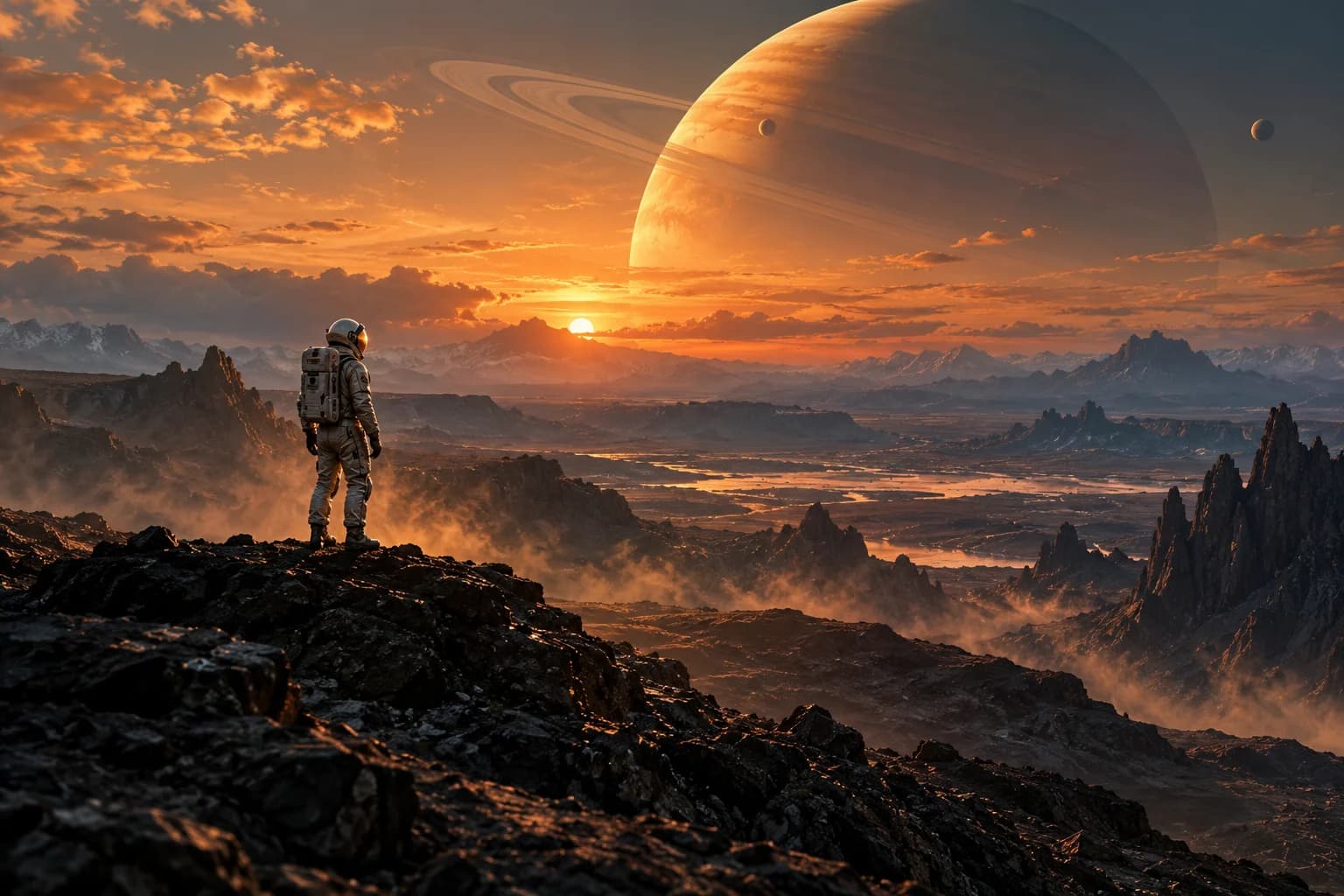 Reference
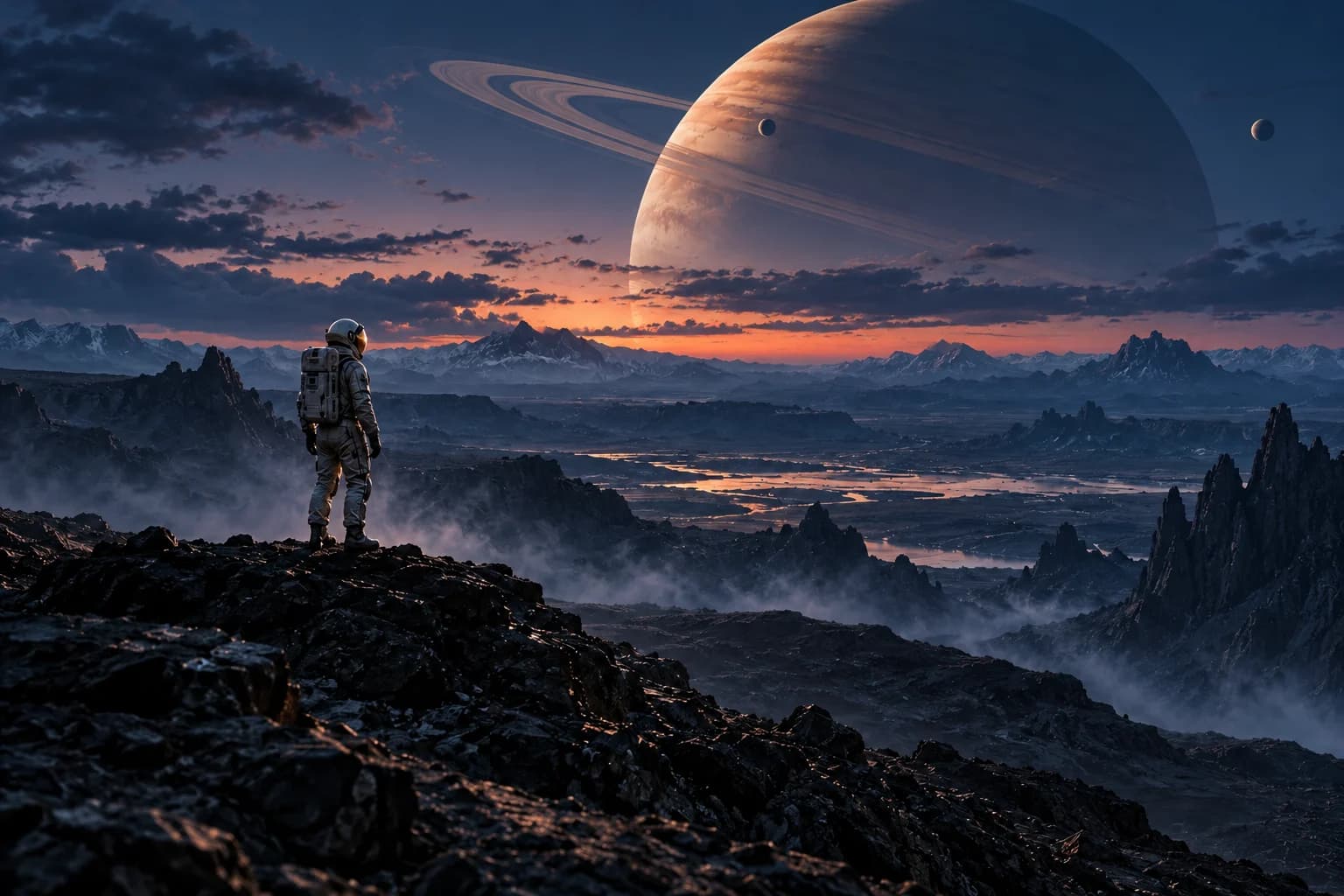 Variation