Upload a reference. Describe what stays and what changes. Explore a new version with image to image AI.
01 / Character
Find the character in your head.
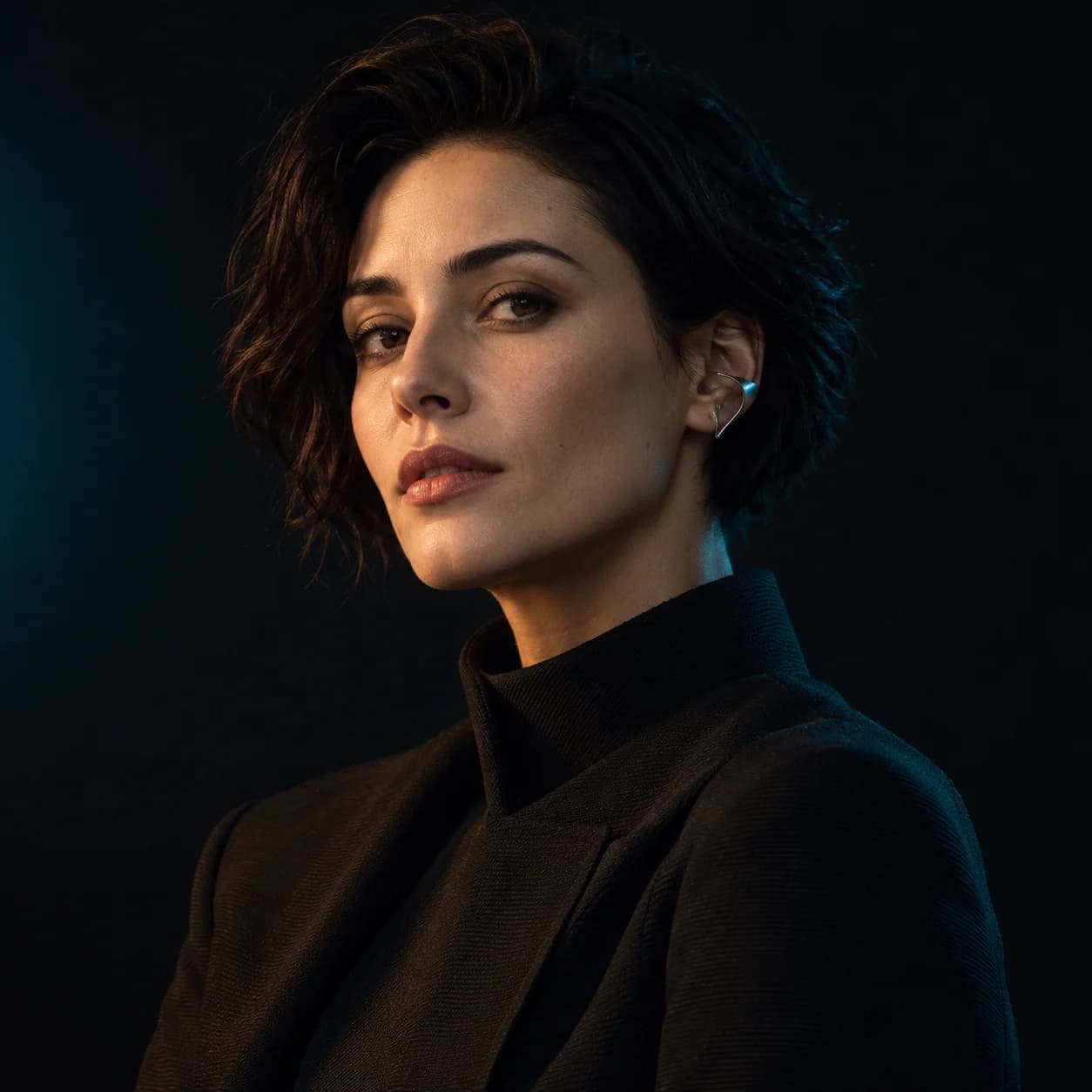
Reference
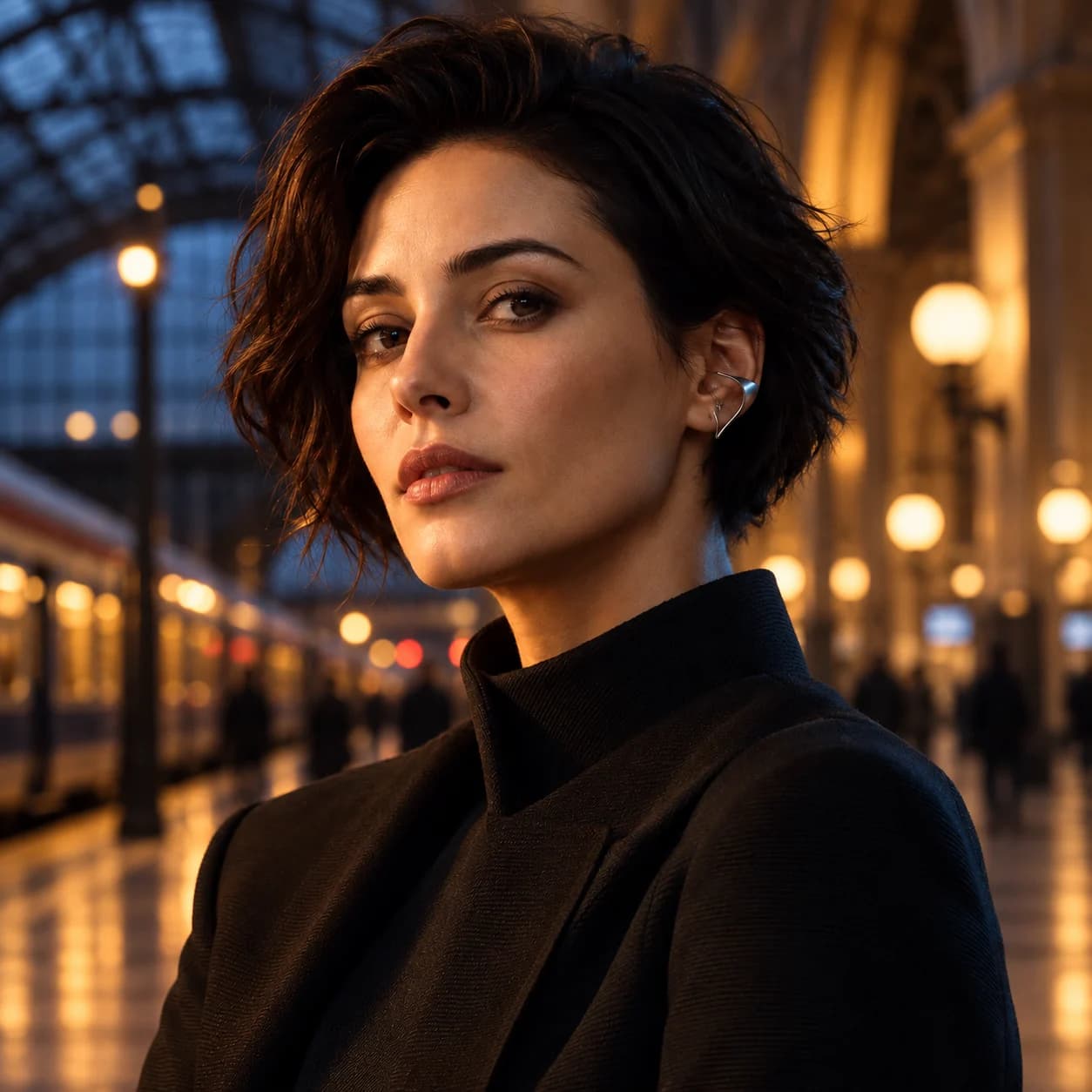
Variation
Keep
Face, hair, expression, jacket, and framing
Change
Studio portrait → evening station scene
See the image to image prompt +
Keep the same fictional adult character, facial features, short dark hair, gaze, silver ear cuff, high-neck jacket, and camera angle. Change only the background and lighting to an evening station concourse, with soft warm lights and muted blue ambience.
Illustrative reference/variation pairs created with an external image tool, not RasterBloom output benchmarks. Compare each result with its source; generated details can change.
Start with permission to use the source and make the requested edit. Keep identity, expression, and context central to your review.
02 / A deliberate direction
Direct the atmosphere
A new backdrop or a softer key light can change the whole image. Ask for one presentation change at a time.
A practical workflow
Start clear. Keep the useful versions.
Give each attempt one purpose, then review the result against the brief before moving on.
01
Confirm the brief
Agree on the intended edit and use. Select a sharp, well-framed source.
02
Keep identity explicit
Name face, hair, expression, gaze, and crop before the requested change.
03
Review at full size
Inspect likeness and hair edges. Share the selected result for approval when needed.
Put it into words
A brief you can actually evaluate.
Adapt the subject, details, and requested change to your own source. Review the image instead of assuming the prompt was followed exactly.
Prompt starting pointEDITABLE / 001
Preserve the same adult subject, face, hair, expression, gaze, and crop. Replace only the background with a quiet dark studio, using soft amber key light and a subtle muted teal edge light.

 Reference
 Variation