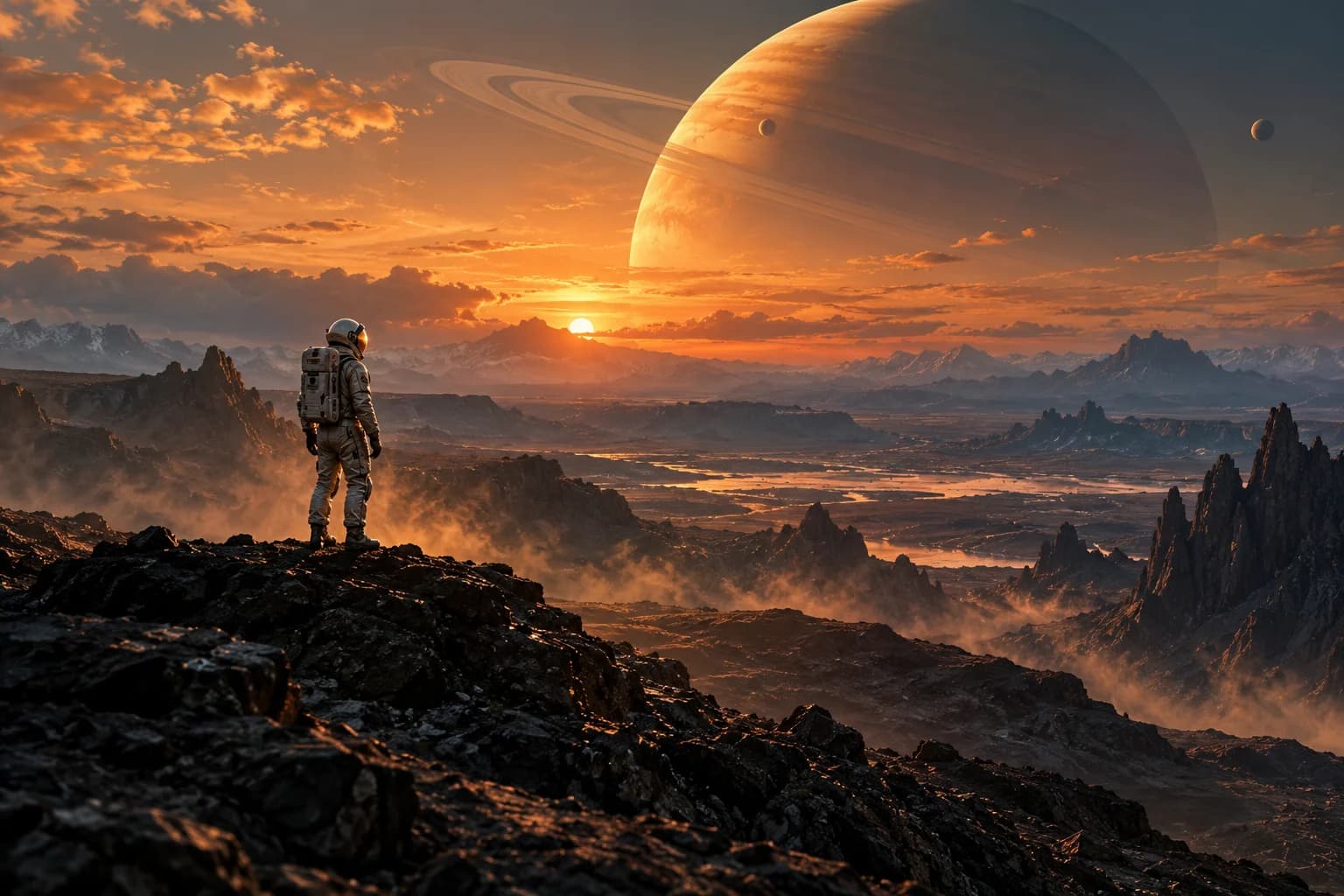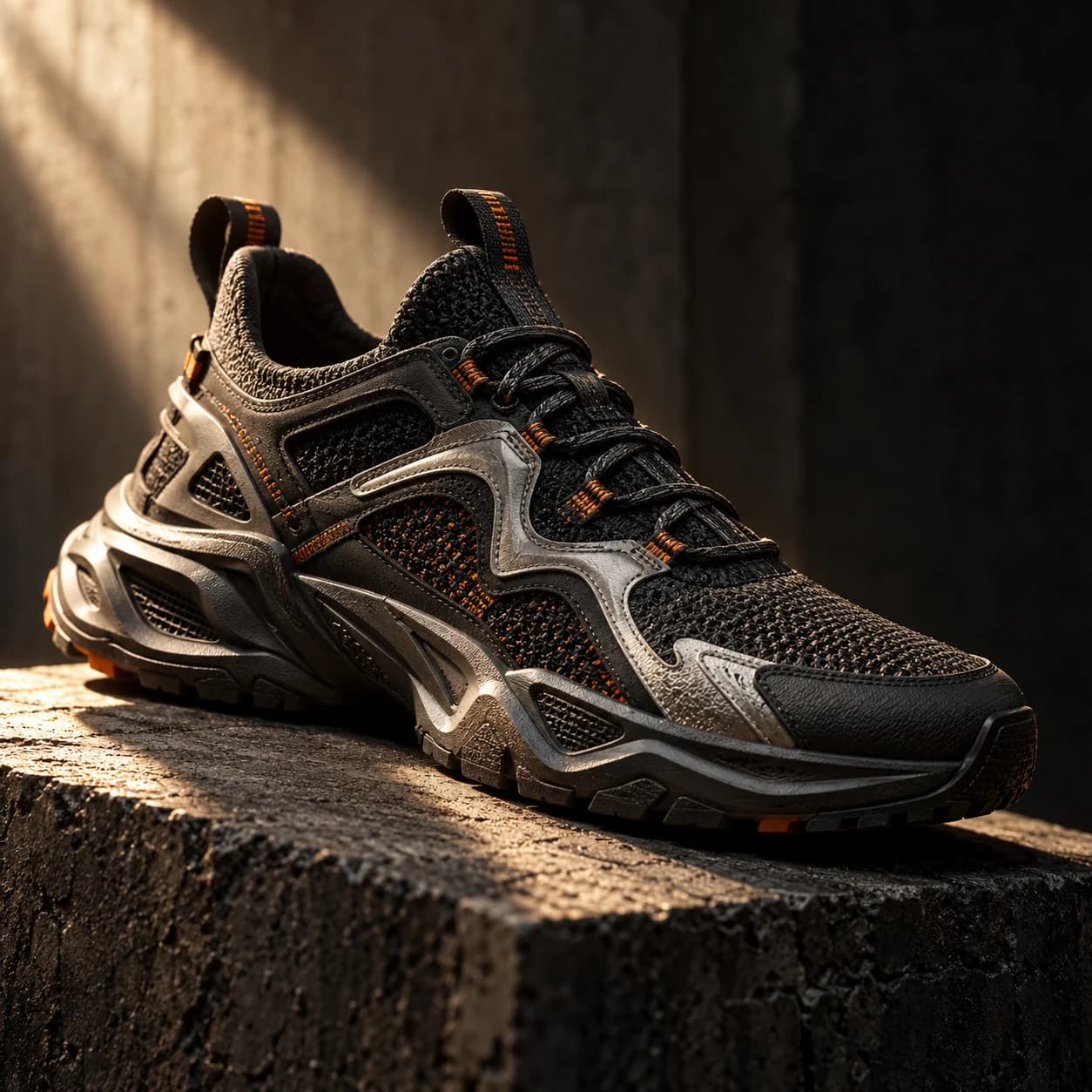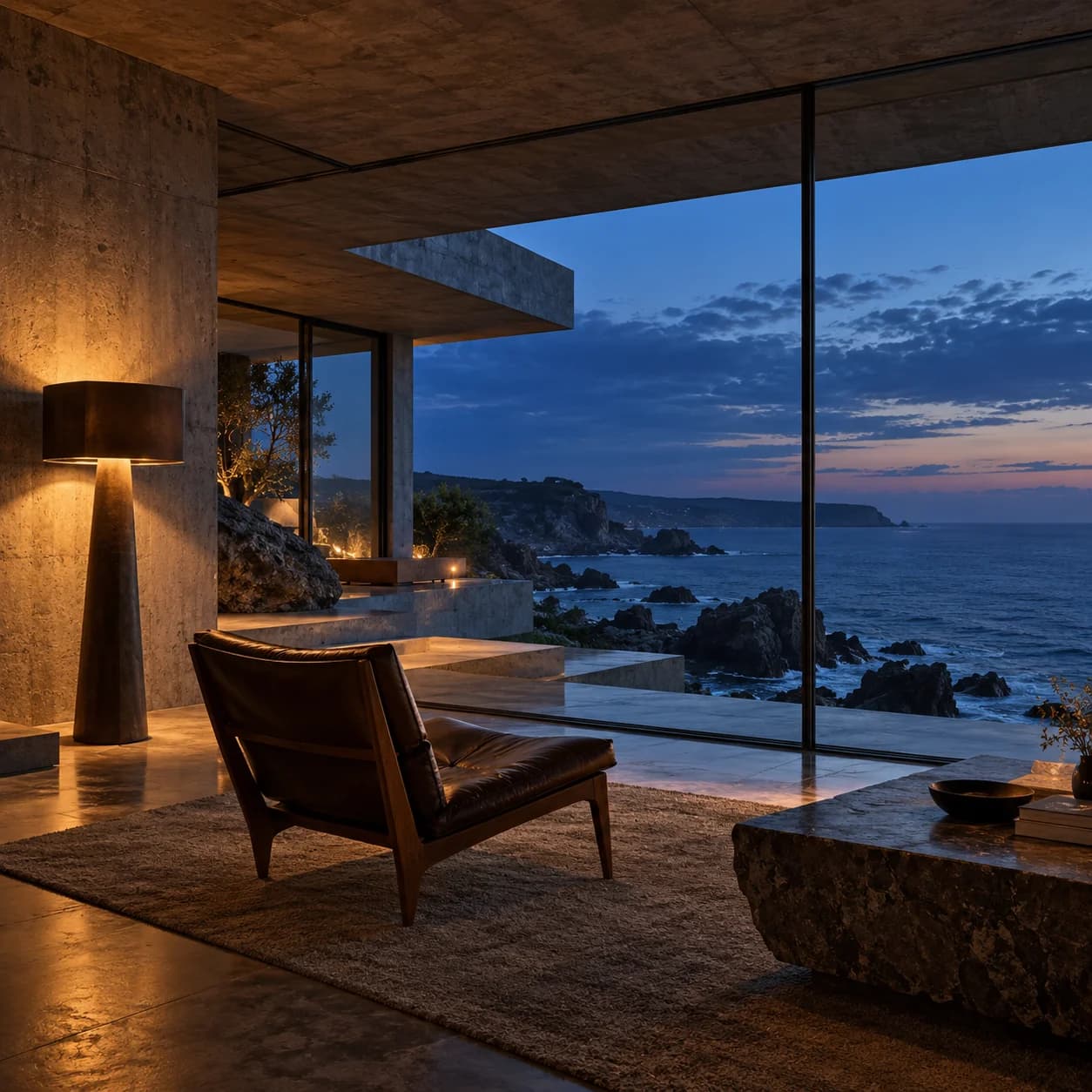
The process at a glance.
- Select the closest acceptable source.
- Write the protected details first.
- Request one focused change.
- Compare the result with the original.
The parent image matters
Before generating, check that the selected source is the version you intend to use. Choose the closest acceptable image, not simply the most recent one. A clear prompt cannot correct a mistaken starting point.
Write the anchors before the edit
List the shape, placement, viewpoint, or identity details you want to retain. Then add the new palette, lighting, or atmosphere. Keep the first request small enough that a comparison will tell you whether it worked.
Step back when drift accumulates
A sequence of edits can inherit and amplify earlier mistakes. Return to the original when a face, product, or room layout starts to change. If exact preservation is essential, use a conventional mask or composite for those pixels.
Before you keep the result.
- You are authorized to use the source
- The selected reference is the intended one
- Layout and subject anchors are explicit
- Drift is checked before another edit
A few questions.
Why return to the original?
Repeated edits can compound unwanted changes. A fresh branch from a stable source gives you another chance without inheriting that drift.
Can I keep every detail exactly?
Generative editing does not guarantee pixel preservation. Use a conventional editor when exact edges, geometry, or lettering must stay unchanged.